Buttons
In general we follow the GOV.UK Design System for buttons, apart from our 'start' button to be consistent with other calls to action on our site.
See register to vote on gov.uk for examples of back and continue buttons.
Start buttons
- Buttons to start a service should be labelled with the action of the form. For example, "Apply for a blue badge".
Example:

Back buttons
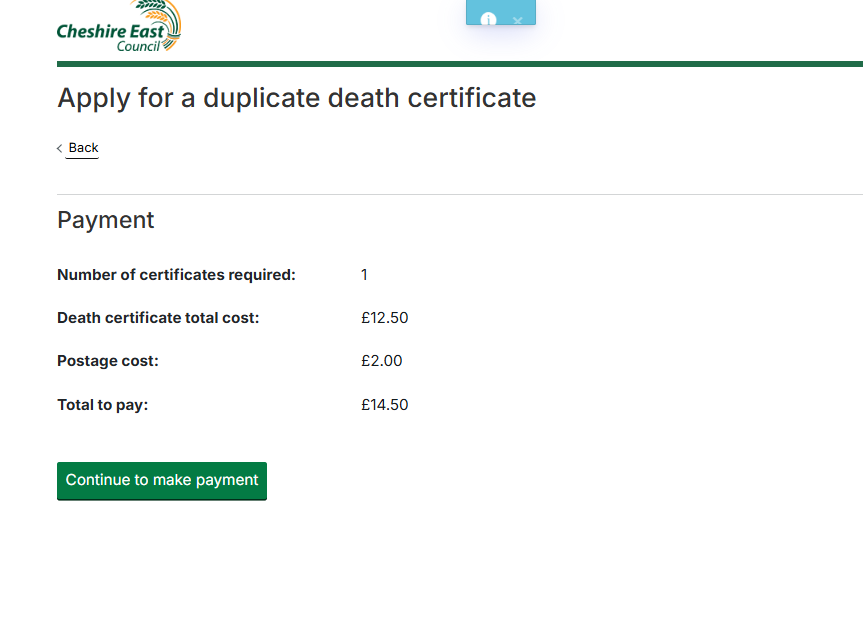
- Buttons to navigate backwards through the form should be text buttons entitled 'back' (not return etc), in small text, at the top left of the screen.
Example:

Primary action (continue, submit and make payment) buttons
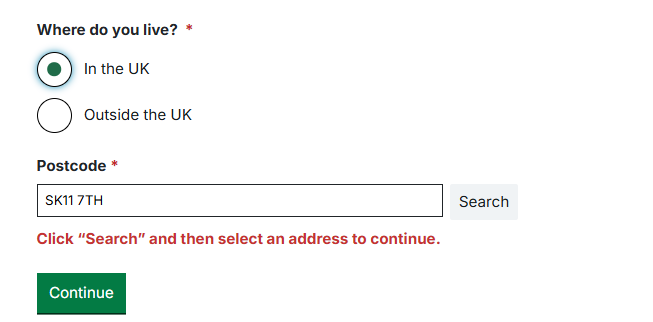
- Primary buttons on external forms should be green.
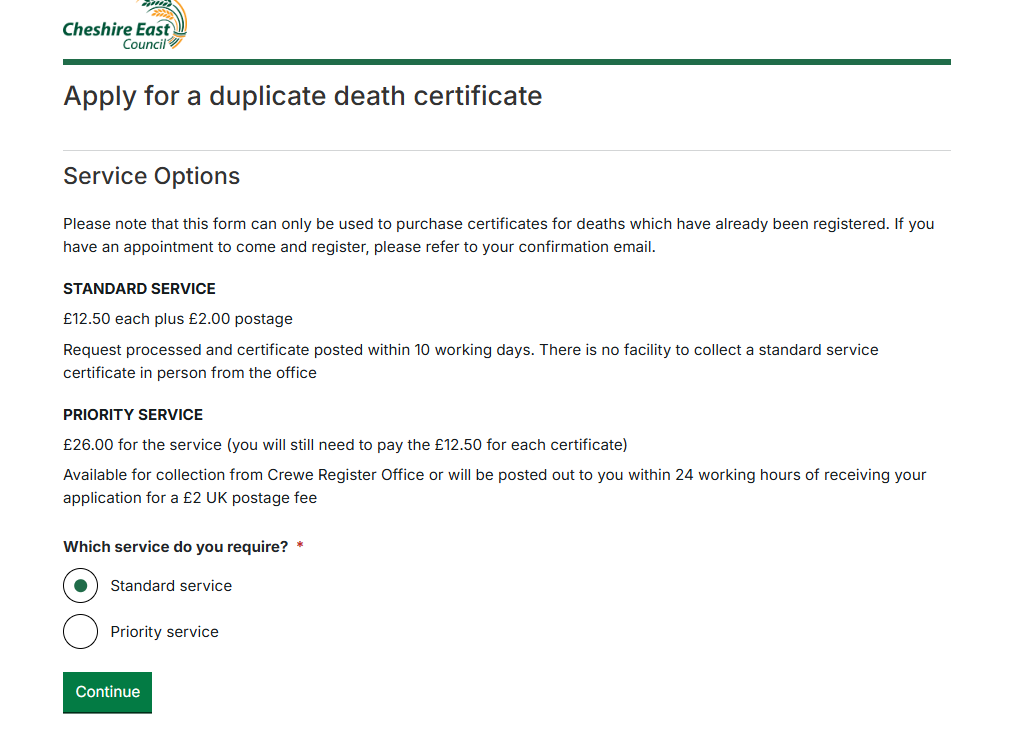
- Buttons to move forwards on forms should be clear, in the bottom left corner of the screen and be entitled 'continue' (not next etc).
- Continue buttons should be used on every page except the last, back buttons/links on every page except the first and the final action links of submit or continue to make payment should be on the last page of forms.
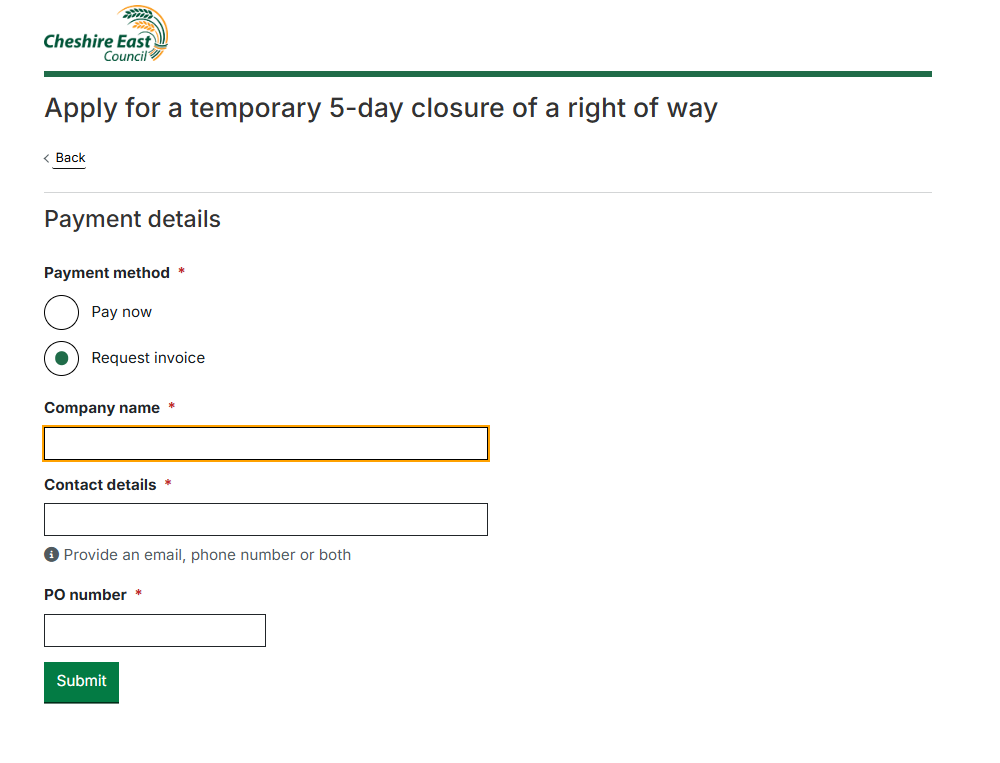
- Buttons to finish a form should be labelled 'submit'.
Examples:
Secondary action buttons
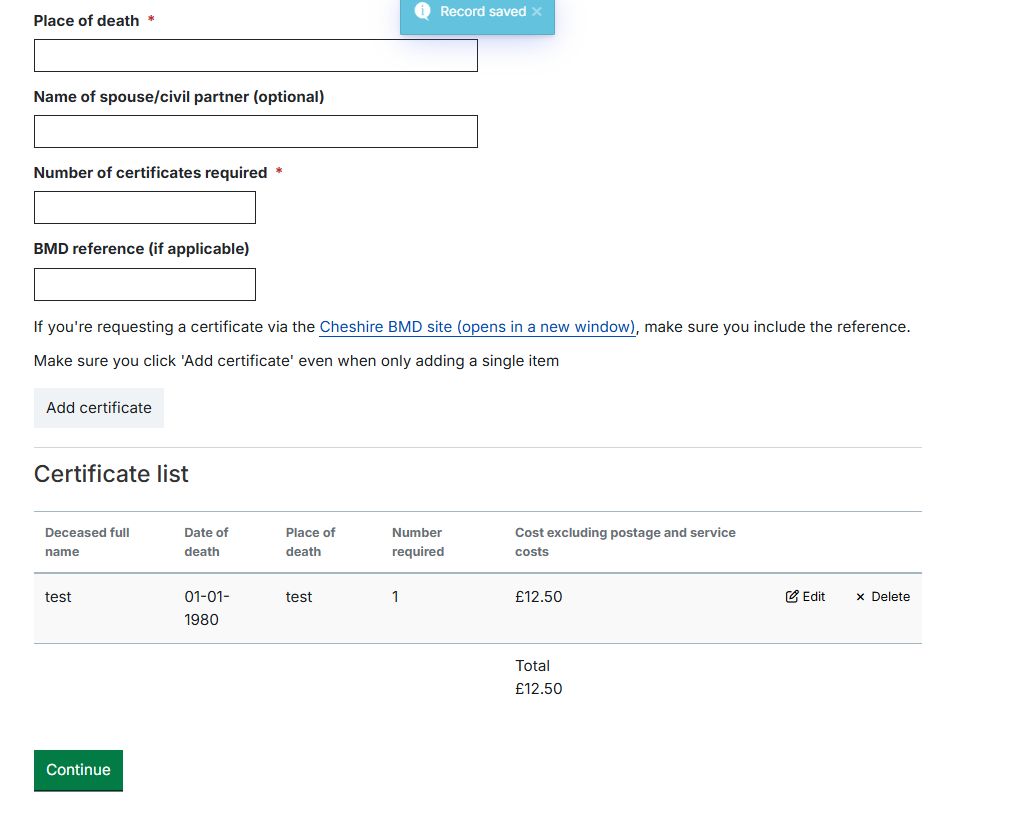
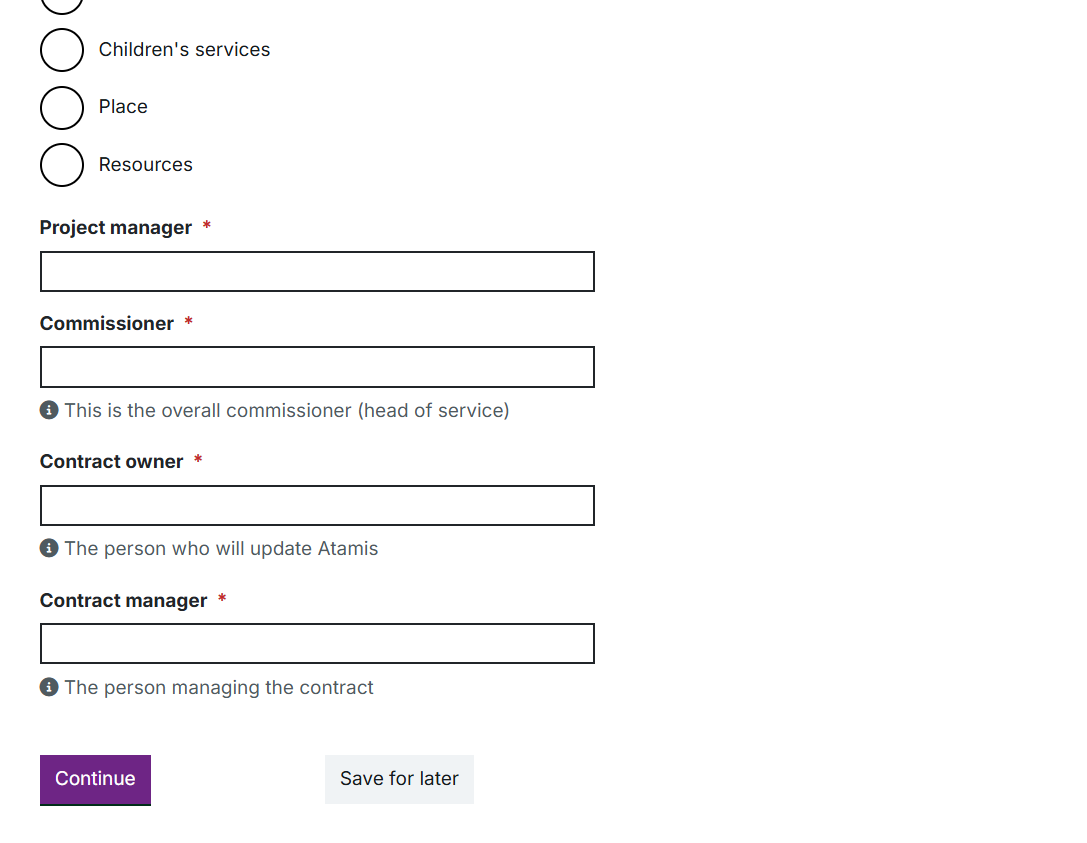
- Secondary buttons on the page should be less visual - for example light grey.
Examples:
Page last reviewed: 21 January 2026
Thank you for your feedback.